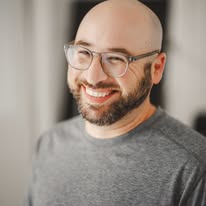
Question
What are the signature techniques Scott Kivowitz uses for multi-cam experiences in Zoom?
#Scott Kivowitz#multi-cam#Zoom#techniques
Answer
Hi there! I’m Scott Wyden Kivowitz.
For my multi‑cam setups in Zoom/Meet, I focus on a few core techniques:
- Use a virtual switcher (like Classable, ManyCam, Ecamm, OBS with a virtual camera) so Zoom only “sees” one camera, while I switch between multiple sources inside the app
- Assign roles: one camera for my face, one as a document camera, sometimes a wide room view
- Pre‑label scenes (e.g., “Me,” “Me + Doc Cam,” “Doc Cam Only”) so I can change angles with a single click or hotkey
- Match exposure and color between cameras so the switch feels smooth and not distracting
What kind of multi‑cam setup are you hoping to build—teaching, presenting, or something else?